
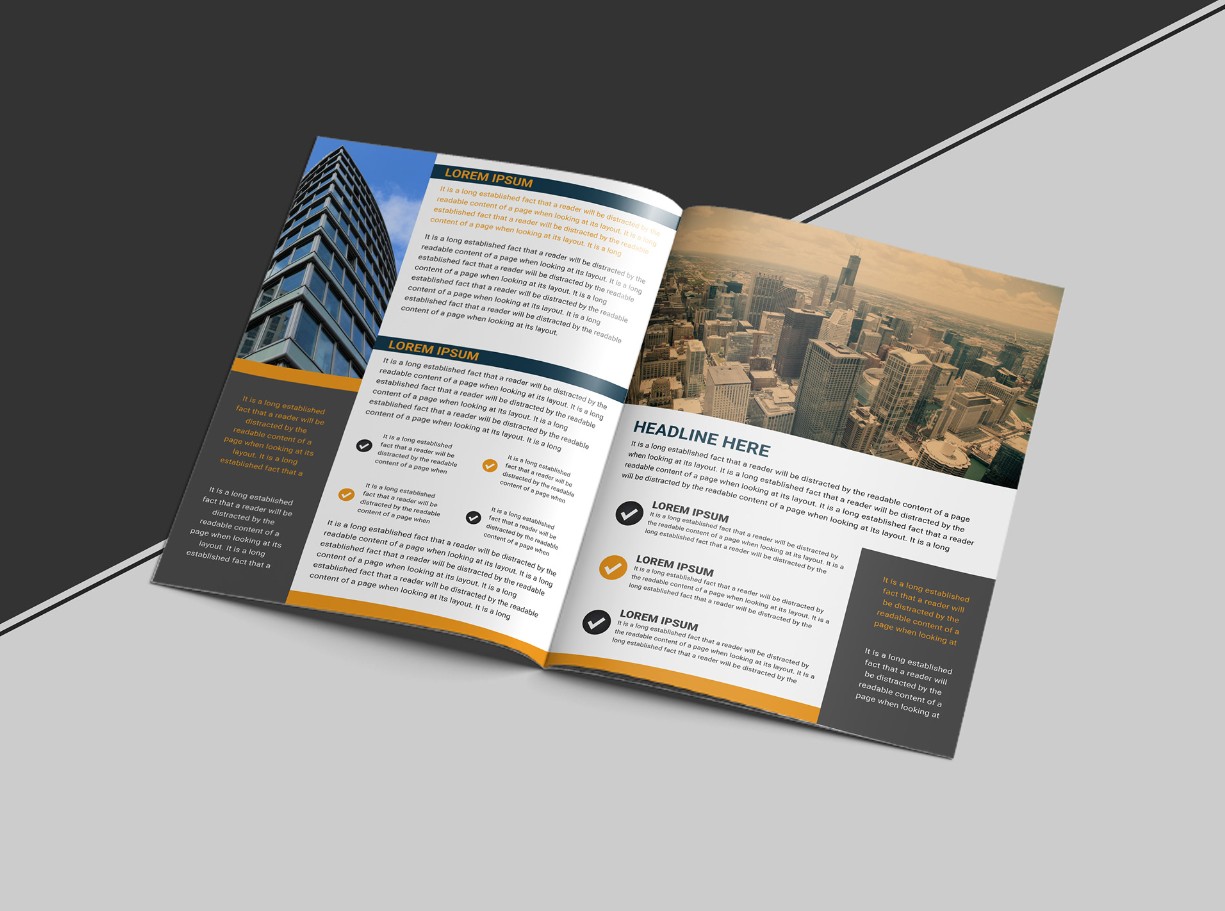
The Best Online Booklet Creator Templates for Business Professionals in 2026
Whether you are launching a new product, preparing a training manual, or putting together a client proposal, a polished booklet can make a lasting impression. The problem most businesses run into is the gap between having great content and producing a document that actually looks professional. The good news is that online booklet creators with ready-made templates have made it easier than ever to close that gap, even without a dedicated design team. This guide breaks down the best options and strategies for businesses that need to create booklets that look the part in 2026.
Why Professional Booklet Design Matters More Than Ever
The way your materials look says something about your business before a single word gets read. A booklet that feels rushed or generic signals a lack of attention to detail. Clients, partners, and prospects notice. In competitive markets, the visual presentation of your content can directly influence whether someone reads through to the end or sets it aside.
Beyond first impressions, well-designed booklets also improve comprehension. A clear hierarchy of information, consistent fonts, balanced white space, and intentional use of color help readers absorb and retain what they are reading. That is true whether the booklet is a product catalog, an employee handbook, an event program, or a sales leave-behind.
The business case for investing time in your booklet design is straightforward. You are already investing time in the content. A professional template and a reliable online tool ensure that investment is not undermined by a presentation that does not match the quality of the work behind it.
What to Look for in an Online Booklet Creator
Not all booklet tools are created equal. Before committing to a platform, it is worth evaluating a few key factors that will determine whether the tool actually works for your business needs.
Template variety and quality. A large library is only valuable if the templates are genuinely professional. Look for platforms that offer industry-specific designs, not just generic layouts that all look the same. The best tools offer templates for corporate reports, product catalogs, training guides, event programs, and more.
Ease of customization. A template is a starting point, not a finished product. You should be able to swap in your brand colors, fonts, and logo without needing design experience. Drag-and-drop editing, editable text blocks, and flexible image placement are all features worth prioritizing.
Export and sharing options. Consider how you will actually distribute your booklet. PDF export for printing, shareable links for digital distribution, and high-resolution downloads for professional print services are all worth confirming before you commit to a platform.
Collaboration features. If more than one person is working on the booklet, real-time collaboration, commenting, and version control can save significant time and reduce the chance of conflicting edits.
Brand consistency tools. For businesses maintaining a consistent brand identity, the ability to save brand kits, including logos, color palettes, and approved fonts, makes a substantial difference in workflow efficiency.
Top Tips for Creating Professional Business Booklets Online
1. Start with a Template That Matches Your Purpose
The single fastest way to produce a professional-looking booklet is to begin with a template designed for your specific use case. A product catalog requires a different layout philosophy than a company report or an event program. Starting with the right template means the structural decisions have already been made for you, and your job is to personalize rather than build from scratch.
When browsing templates, filter by industry and document type whenever the platform allows it. A legal services firm has different visual needs than a retail brand or a healthcare provider. The closer your starting template is to your actual use case, the less work you will need to do to make it feel right.
2. Use Adobe Express as Your Go-To Booklet Tool
For businesses that need a powerful combination of professional templates, intuitive editing, and seamless brand integration, Adobe Express stands out as one of the most capable platforms available. Its booklet maker offers a wide range of templates designed specifically for professional use, with full customization options that do not require any prior design knowledge. You can adjust layouts, add or remove pages, insert your own images, and apply your brand colors with a few clicks.
What makes Adobe Express particularly useful for businesses is the depth of its template library and the quality of its design defaults. The templates are built to look polished from the start, which means even small teams without a dedicated designer can produce materials that hold up against professionally designed work. The platform also integrates with Adobe’s broader creative ecosystem, which is a significant advantage for organizations already using other Adobe tools in their workflow.
3. Establish Your Brand Guidelines Before You Start
One of the most common mistakes businesses make when creating booklets is inconsistency. Different font sizes on different pages, brand colors that are slightly off, logos that are scaled incorrectly, and mixed visual styles all signal a lack of cohesion. The best way to avoid this is to define your brand guidelines before you open any design tool.
At a minimum, document your primary and secondary brand colors using exact hex codes, your approved typefaces, your logo usage rules, and any imagery guidelines such as photo style or illustration preferences. If your platform supports it, upload these elements to a saved brand kit so they are accessible every time you start a new project.
Having these elements locked in before you begin means your booklet will reflect your brand accurately from the first page to the last, regardless of who on your team is doing the editing.
4. Design for Your Distribution Format
A booklet designed primarily for print has different requirements than one designed for digital distribution, and trying to do both without thinking it through tends to result in a document that works poorly for either. Before you begin, decide how your booklet will primarily be used and design accordingly.
For print booklets, pay close attention to bleed areas, margin sizes, and page counts. Most professional printers require a minimum bleed of 0.125 inches, and your page count will typically need to be a multiple of four to account for the folded signature format. For digital booklets, you have more freedom with color and can take advantage of interactive features like hyperlinks, embedded video, and clickable tables of contents. If you need to support both formats, start with the more restrictive print requirements and adjust for digital from there.
5. Use a Consistent Visual Hierarchy Throughout
Visual hierarchy is the principle that guides the reader’s eye through each page in a logical order. It is built through contrast in size, weight, and color. A page without hierarchy feels flat and is harder to read. A page with strong hierarchy communicates the relative importance of different elements instantly.
In practice, this means your section headings should be noticeably larger than subheadings, which should be noticeably larger than body text. Key figures or callout quotes can be set in larger or bolder type to draw attention. Images should be sized to reflect their importance to the content, not just to fill space. Applying these principles consistently across every page of your booklet makes the document feel intentional and authoritative.
6. Keep Page Layouts Clean and Purposeful
A common trap in booklet design is overcrowding. When you have a lot of content to communicate, the temptation is to shrink everything down and fill every available inch of space. The result is a document that feels overwhelming and is genuinely difficult to read.
White space is not wasted space. It gives the eye somewhere to rest and makes the content that is present feel more impactful. Aim for generous margins, adequate spacing between paragraphs, and clear visual separation between sections. If your content genuinely cannot fit in the page count you were planning for, it is better to add pages than to compromise readability by cramming content together.
7. Choose Fonts That Are Easy to Read at Small Sizes
The fonts you choose for your booklet should be selected with readability as the primary criterion, not just aesthetics. Many fonts that look striking at headline sizes become difficult to read in body text. This is especially true for display fonts, which are designed for large format use and tend to have unusual letterforms that slow the reader down when used in paragraphs.
For body text, look for fonts in the humanist sans-serif or serif categories. These typefaces have been specifically designed for reading at smaller sizes over longer passages. Limit yourself to two typefaces per booklet, one for headings and one for body text, and ensure there is enough contrast between them to create a clear visual distinction.
8. Use High-Resolution Images and Graphics
Nothing undercuts a professional booklet faster than blurry or pixelated images. This is a common problem when businesses pull images from their website and drop them directly into a print document. Web images are typically 72 DPI, while professional printing requires a minimum of 300 DPI. Even for digital booklets, low-resolution images look sloppy on high-density displays.
Before you begin designing, audit your image library for resolution. Request high-resolution versions of any product photography, team photos, or campaign images. If your image library is limited, consider using high-quality stock photography. Many booklet creation platforms include access to licensed stock libraries as part of their offering, which can significantly reduce the time and cost of sourcing appropriate images.
9. Write Content That Is Designed to Be Scanned
Most readers of business booklets do not read every word. They scan headings, subheadings, callout quotes, and numbered lists to find the sections most relevant to them before deciding where to slow down and read in full. Your content structure should accommodate this reading behavior rather than fight against it.
Break long passages of text into shorter paragraphs. Use descriptive subheadings that communicate the content of each section clearly. Pull key statistics or insights out as callout quotes or highlighted boxes. Use numbered lists for processes and bulleted lists for features or benefits. This structure serves both the scanner who is looking for specific information and the thorough reader who wants the full picture.
10. Proofread and Review in the Actual Format
A proofing step that is often skipped but should not be is reviewing your booklet in its final format before publishing or sending to print. Errors that are easy to miss in an editing view become obvious when the document is viewed as a formatted spread. Typography issues, widows and orphans in text blocks, images that have shifted, and pages where the content balance feels off all tend to show up in format review.
Export a PDF or preview the digital version and read through it as your audience would. If possible, get a second set of eyes on it. Fresh reviewers catch things that have become invisible to the person who created the document. For printed booklets, printing a physical proof before placing a full print order can prevent expensive mistakes.
11. Leverage Page Templates Within Your Booklet for Consistency
Many online booklet tools allow you to save custom page layouts as templates within your project, so once you have designed a style of page you are happy with, you can duplicate and reuse it throughout the booklet without rebuilding it from scratch each time. This is especially useful for booklets with recurring content structures, such as product pages that all need the same layout or chapter openers that follow the same visual pattern.
Building this kind of internal consistency into your workflow saves time and makes the final document feel cohesive. It also simplifies the process when content needs to be updated, since the structural template is already in place and only the specific text or images need to change.
FAQ
What is the difference between a booklet and a brochure, and which does my business need?
A brochure is typically a single sheet of paper folded into panels, used to deliver a concise overview of a product, service, or event. A booklet is a multi-page document, usually stapled or bound, that allows for more depth of information. If your content requires more than one or two pages to communicate effectively, a booklet is the more appropriate format. Booklets are well suited for product catalogs, company profiles, annual reports, training materials, event programs, and detailed service guides. Brochures work better for quick introductions and single-topic overviews designed to be picked up and scanned quickly.
How many pages should a professional business booklet be?
There is no universal rule, but most professional business booklets fall somewhere between 8 and 32 pages. For print production, your page count should be a multiple of four because booklets are printed and folded in signatures. The right length depends on your content needs and your audience. A product catalog might justify 24 to 32 pages, while a company overview or event program might be more effective at 8 to 12. A good rule of thumb is to include as many pages as your content genuinely requires, and no more. Padding a booklet with filler content to reach a certain page count hurts readability and dilutes the impact of the material that matters.
Can I use an online booklet creator to produce files suitable for professional printing?
Yes, most quality online booklet creators export print-ready PDF files that meet the technical requirements of professional print services. Before exporting, confirm that the platform supports CMYK color profiles, allows you to set bleed and crop marks, and exports at 300 DPI or higher. Some platforms default to RGB color profiles optimized for screen viewing, which can result in color shifts when printed. If you are working with a commercial printer, ask them for their preferred file specifications before you finalize your design and export settings. For businesses that regularly order printed materials, tools like MOO offer high-quality business print services that integrate well with files exported from major design platforms.
How can small businesses create booklets that look as professional as those from larger companies?
The quality gap between small and large business marketing materials has narrowed significantly with the availability of professional template libraries and intuitive design tools. The most important factors are starting with a high-quality template, applying brand elements consistently, using high-resolution photography and graphics, and following basic typography and layout principles. What distinguishes professional-looking materials from amateur ones is usually not technical complexity but attention to the foundational details: consistent margins, a clear visual hierarchy, readable fonts at appropriate sizes, and imagery that complements rather than competes with the content. Investing a few hours in learning the platform you are using pays dividends across every booklet you produce going forward.
What formats should I offer my booklet in to reach the widest possible audience?
For most business use cases, offering both a downloadable PDF and a shared digital link covers the majority of distribution scenarios. PDF is the standard for print and is also widely used for digital distribution because it preserves formatting across devices and is easy to share via email or download link. For digital-first audiences, an interactive version with clickable elements, embedded links, and a page-flip reading experience can improve engagement. If your booklet includes content that changes frequently, a cloud-hosted version that can be updated in place without resending files is worth considering. For in-person distribution, a print-ready file formatted with bleed and crop marks gives professional printers everything they need to produce physical copies.
Conclusion
Creating a professional booklet no longer requires a design agency or advanced software skills. The online tools and template libraries available in 2026 put genuinely high-quality design within reach for businesses of every size. The difference between a booklet that impresses and one that gets set aside usually comes down to a handful of fundamental choices: starting with the right template, applying brand elements consistently, designing for your distribution format, and giving your content room to breathe on the page.
If your business regularly produces booklets for sales, onboarding, events, or client communication, investing time in building a repeatable design workflow will pay off across every future project. The tips and tools outlined in this guide give you a practical starting point. From there, the best thing you can do is open a platform, pick a template, and start building.